Building a Bike Part Picker
I’m currently working on a bike-building website for fun. The idea is basically to create something similar to PC Part Picker but for bikes. It’s one of those things I feel like many people have vaguely talked about building for a while, but no one has actually bothered to make. There are a number of reasons for this; the main ones are that it’s a pain in the ass to build, and you can do pretty much the same thing with Excel sheets. But I’m going to see how fast I can power through it with the help of the robots.
Up until this point I’ve used Claude Code, Cursor (mostly Claude), and GPT (for knowledge over code). Today I started focusing on the UI and trying to make it look nice and functional. At the very start of the project, I had Claude in Cursor draft a basic front end. It was straight slop and caused me visceral pain to interact with. But it was functional and served the purpose of clarifying what the back end and database need to look like. I’m still finalizing the schema before I actually start importing base part/frame data—this is one of the big hurdles, so I want to make sure I get it right before putting in the time.
So today I started making the page look less slop-ish. One of the main features I really want is an interactive bike diagram as a centerpiece of the page. In my vision, it’s influenced by classic bike diagrams, and the parts are reactive when you hover or click on them and relate to the corresponding parts in the diagram. The problem is that I’m not great at drawing realistic-looking bikes. In an ideal world I would hire an artist to draw one, but the problem is that my budget is currently non-existent for this project. It will be a testament to what you can build with some generalist tech/design knowledge, a $20 Claude budget, and a stubborn mindset. So I decided to check in on the state of AI SVG generation.
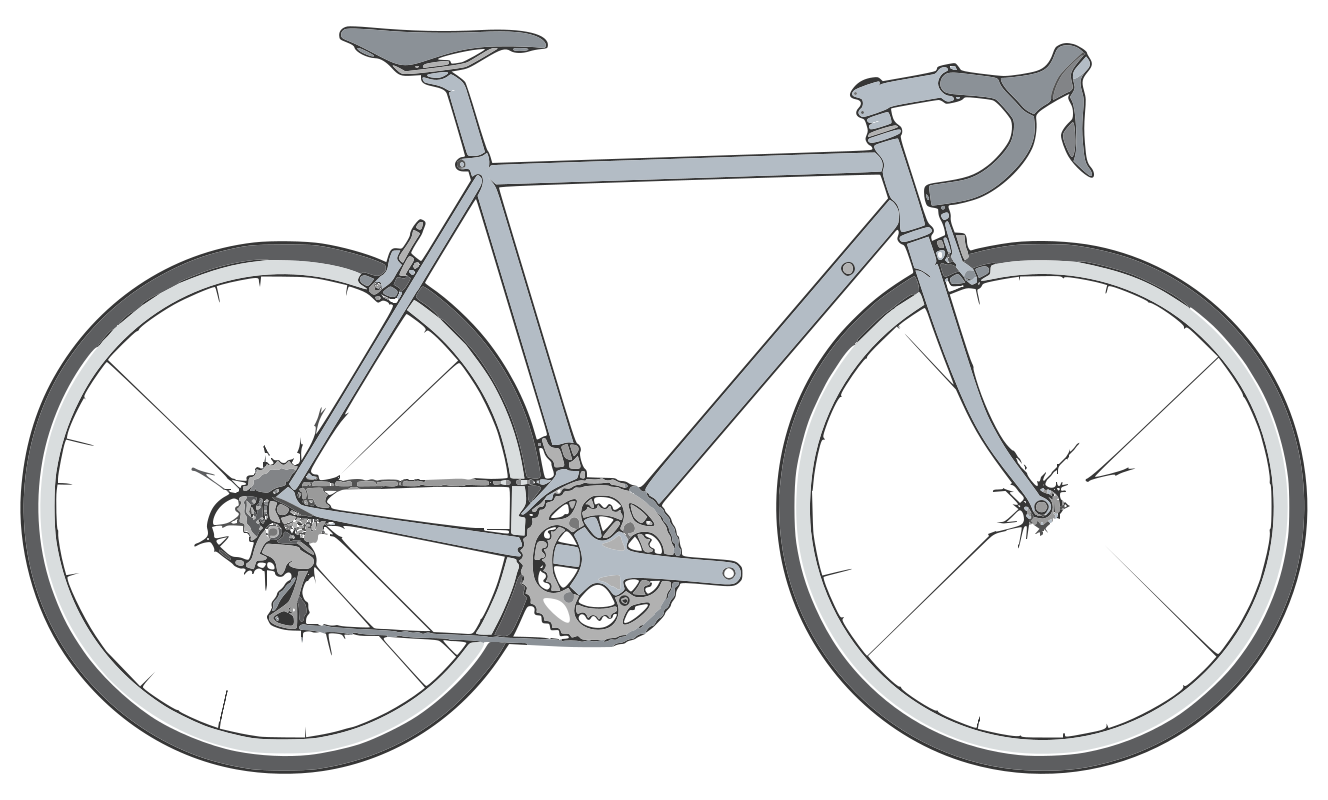
Currently, mainstream LLMs are still really bad at generating usable SVG images, which isn’t really surprising. Reddit pointed me toward LottieFiles, which is actually okay. Claude pointed me to Recraft, which seems a lot better. I still find prompted image generation a dark art, so I had Claude make a prompt, which I fed to each and actually got usable results. However, it was very reminiscent of when I was creating assets for Unreal Engine using Meshy. You get something functional in a basic way, but that is clearly an approximation of the thing rather than the thing itself. For the 3D models created by Meshy, the vectors were in crazy shapes that were very inhuman in design. They were functional for background props, but—using the current tools—you could never make something that could move.[1] It was something similar with these SVGs, where they actually look amazing (despite being slightly uncanny), but they aren’t usable in a reactive way. This is because the vectors are ungrouped, and their very unhuman vector nature makes them hard to group.
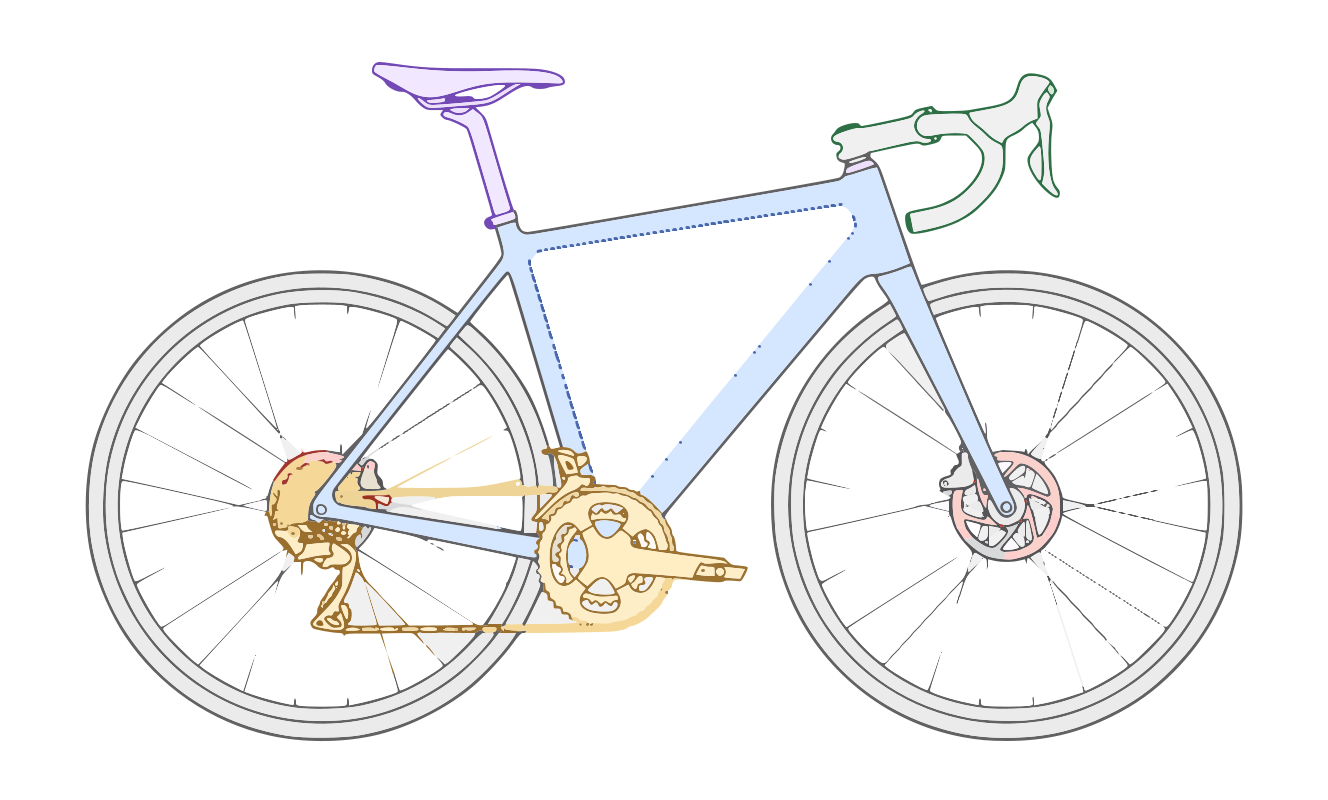
For now, my solution was to manually go through the LottieFiles image and group them enough to be functional, but it still looks kind of sloppy and the spokes are a mess (image models always struggle with this, and tbh they’re just hard to draw in general). I think my long-term solution is probably just to learn how to draw SVG images or create some better type of hybrid image, but this image is Good Enough for now.
[^1]: I feel confident that this will change in the coming years. But for now, vector assets are very limited in their capabilities
First Image generation
This was the fist output. Honestly very impressive despite the vectors being a mess.
Second Image — Rim Brake Road
Here I moved to grey scale and went for a more classic look. I plan to have SVG images for disc road, rim road, and disc mountain to start with more to come.
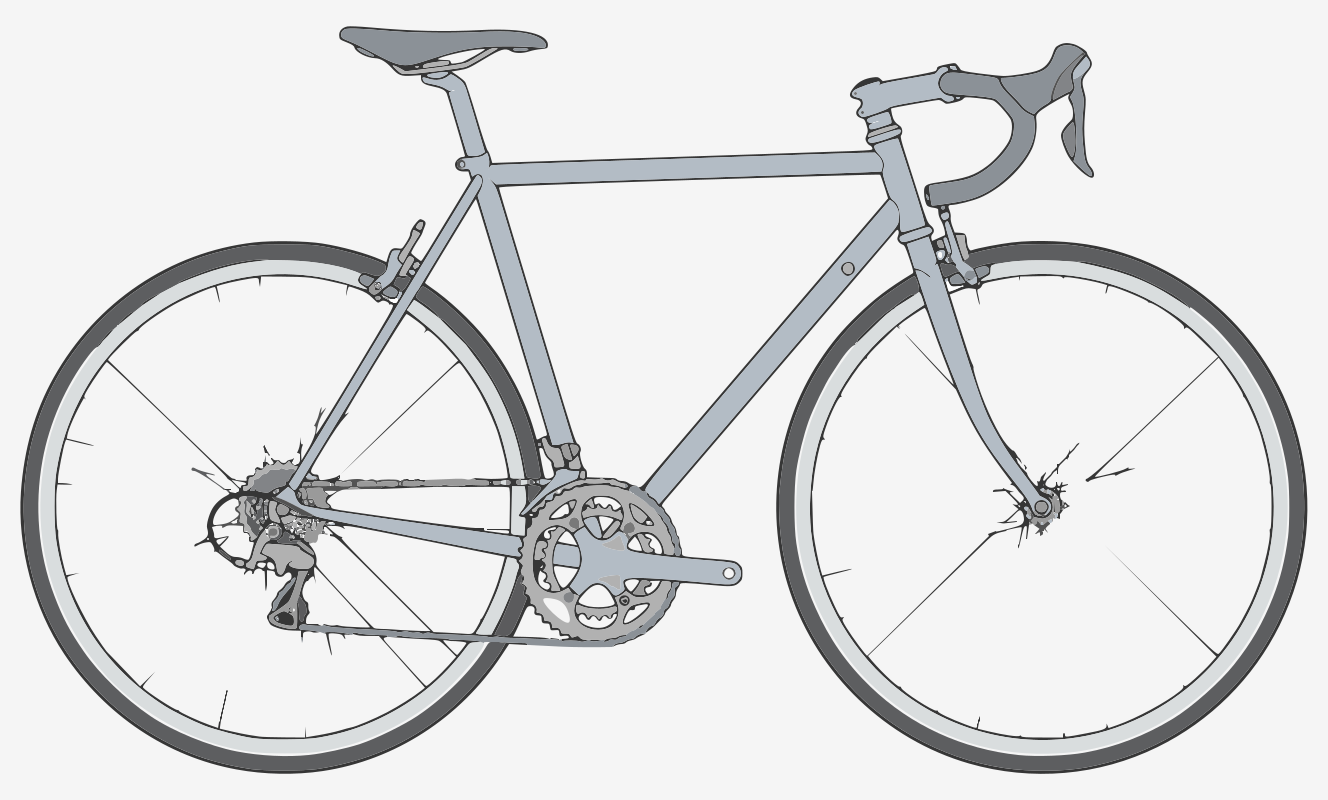
Current Functional SVG
I grouped the components and removed the layers. At this point I realized that part of the problem is that it’s too complicated. The cassette, chain, and spokes are all messy and could be abstracted.